Hundreds of tools in one browser toolbox
Tiny Tools
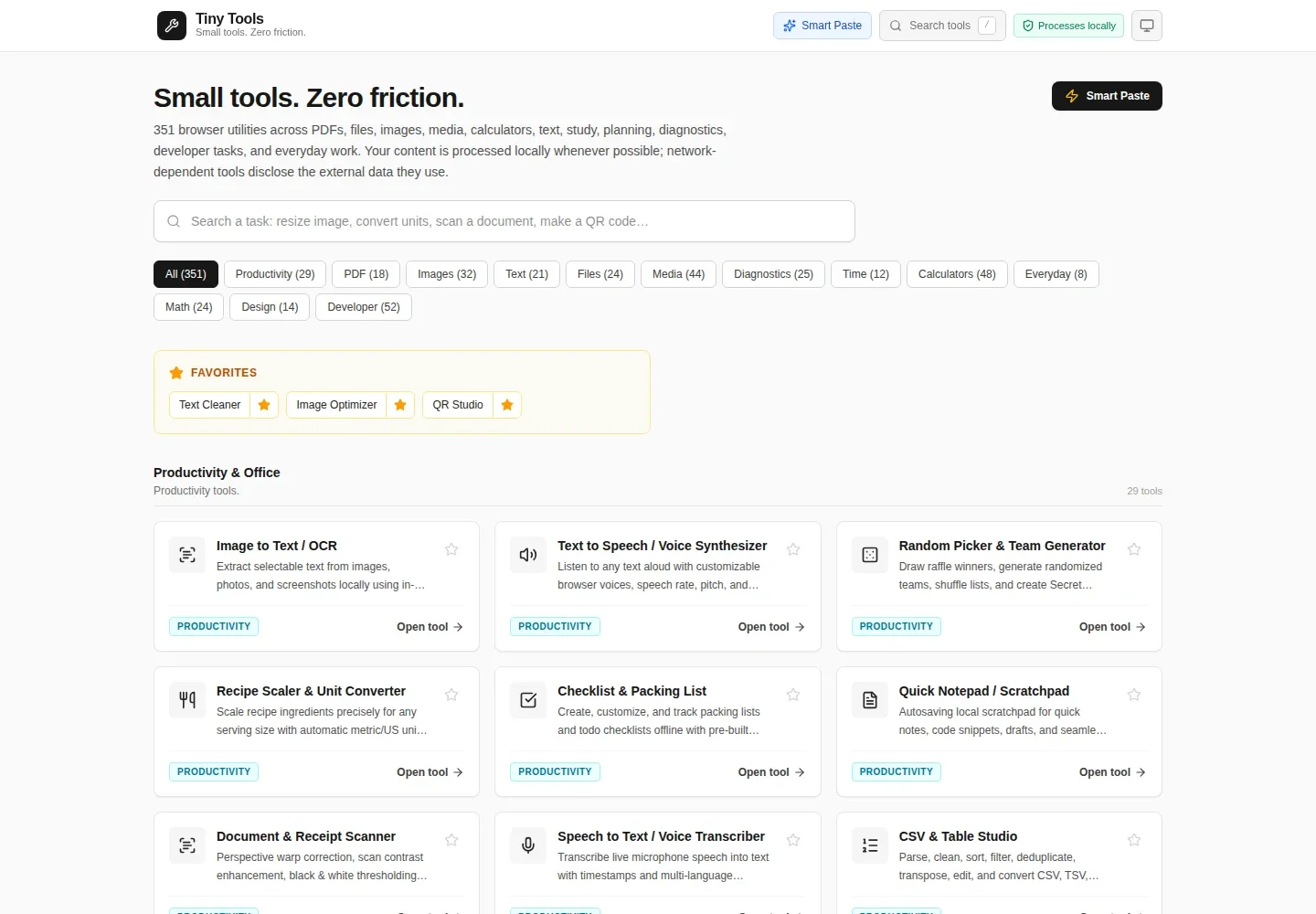
Hundreds of browser tools for documents, images, audio, video, data, code, calculators and everyday tasks.
Most tools process content locally. Network-dependent tools disclose their external connections. Format support varies by browser.
Across the toolbox
PDFs & documents
Images & design
Audio & video
Files & data
Text & developer
Math & calculators
Devices & diagnostics
What it does
Some jobs do not need another account or a large application. They need a place to paste some text, convert a supported file, tidy a table, or check a value.
Tiny Tools brings those jobs into focused browser workspaces. Explore the full collection through search and categories, from PDF operations and file converters to image, audio, video, text, developer, calculator, diagnostic and everyday tools.
Files are not sent to an application conversion service. Some tools first download a local runtime; others, such as currency and network diagnostics, intentionally contact disclosed external services. Format support and output fidelity have limits: keep originals and check consequential results.
A closer look at the build
A toolbox without the usual detour.
One route per task. Shared engines underneath. The difficult part is keeping a broad collection understandable without making every visit expensive.
Load the tool, not the whole toolbox.
The registry connects readable task names to lazy-loaded React components. Opening a text utility does not require starting the PDF, audio or image-processing engines. The app provides the common navigation and recovery boundary; individual tools own their workspaces.
More formats, fewer duplicate routes.
Conversion tasks are consolidated into document, data, image, audio and other format families. Old links are normalized to their current equivalents, so extending the toolbox does not require publishing every possible input–output pair as a separate product.
Local is a boundary, not a slogan.
The utility suite processes user content in the browser wherever possible. Some engines first download static runtimes. Currency rates and explicitly started network diagnostics use external services. Those exceptions matter, and are not hidden behind an absolute “no network” claim.
A collection built for discovery.
The toolbox brings hundreds of tasks together through search, categories and directly addressable tool routes. The examples on this page span different kinds of work; the full collection remains the main destination. Office conversions and media formats have documented fidelity and browser limits.
Inside the project
Text without the friction
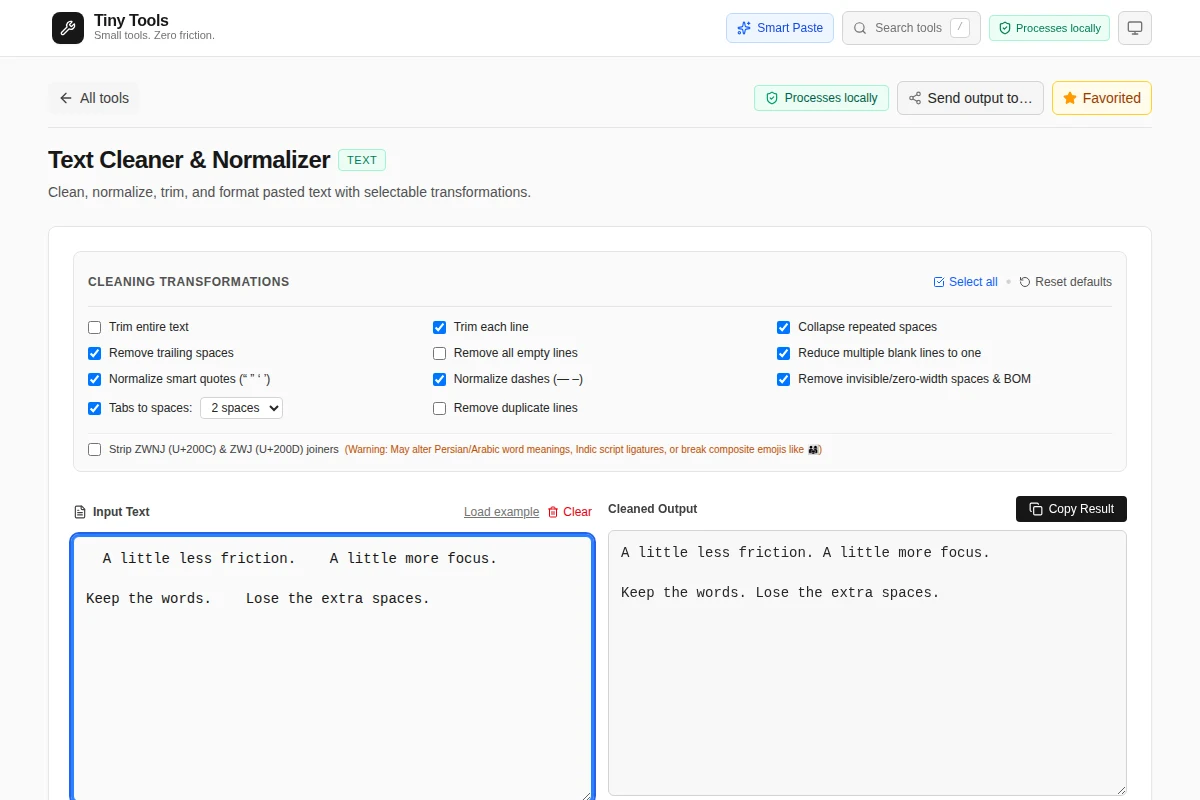
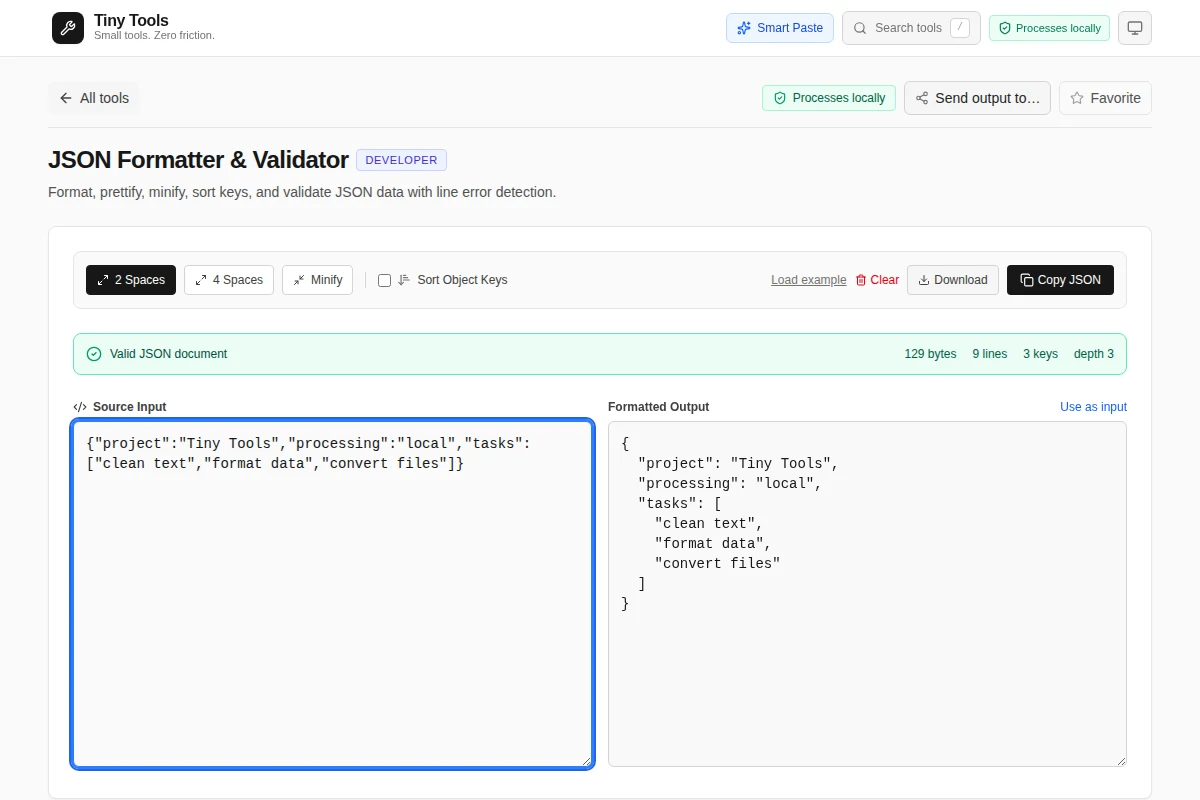
Clean spacing, change case, count words, compare versions and format structured data in focused workspaces.
Files, images and formats
Convert, inspect and work with supported files locally. Available formats and fidelity depend on the tool and browser.
A direct route to the task
Open individual tools through stable hash links, use search to find another task, or browse the full utility collection.
Local processing, explicit exceptions
Most content processing runs in the browser. Currency rates and user-started network diagnostics disclose their external connections.
Under the hood
- Platforms
- desktop, tablet, mobile
- Controls
- keyboard, mouse, touch
- Built with
- React, TypeScript, Vite
- Project status
- Available
- Implementation
- thiepn/tools ↗
Read the source and revision history for implementation details and current development.
Another direction to explore.
Selected work →